Most small business owners check one thing when they test their website:
Does the contact form submit?
That is a good start, but it is not the whole lead journey.
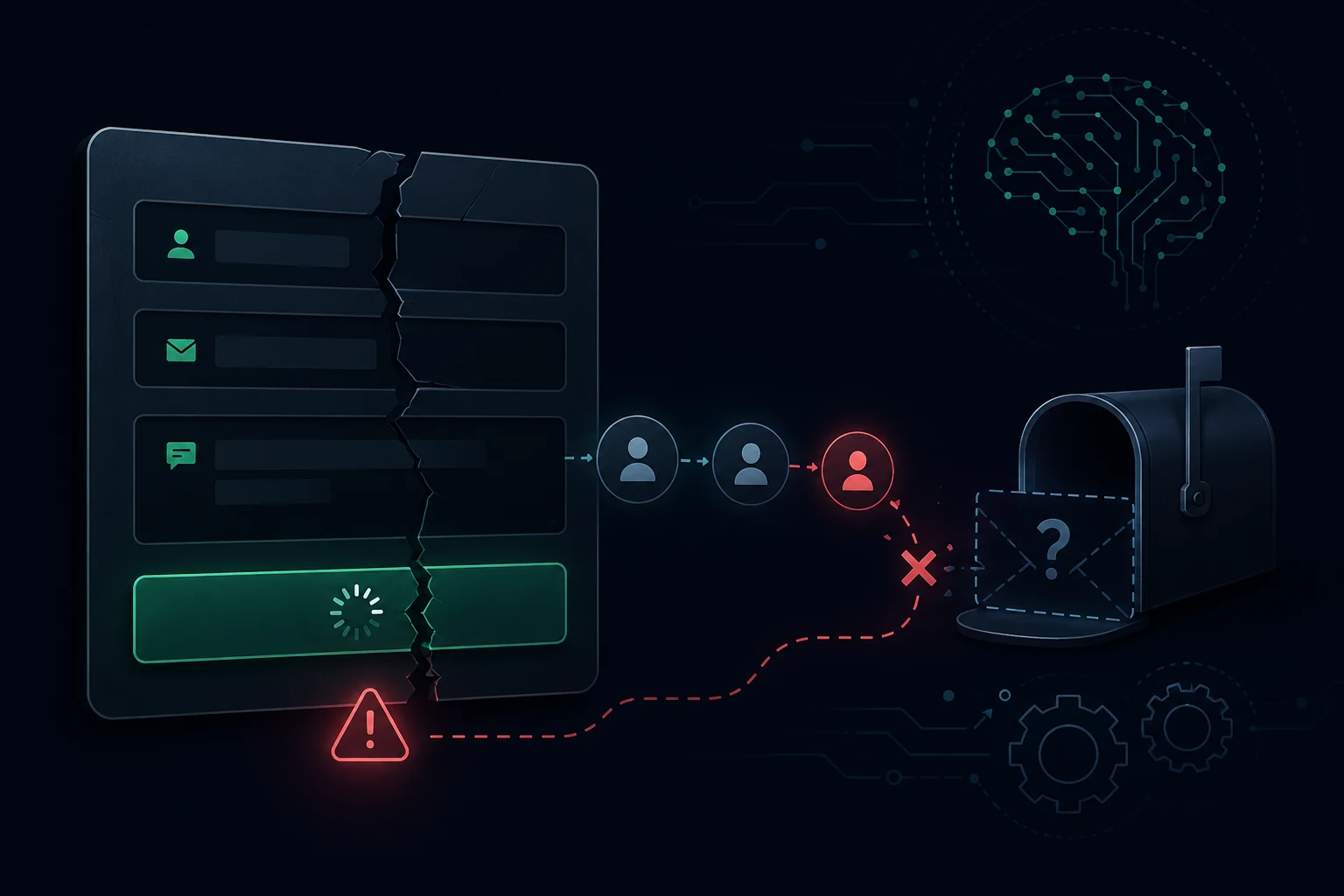
A website can still lose enquiries even when the form looks like it works. The button can submit. The success message can appear. The customer can think their enquiry has gone through.
But behind the scenes, the business may still miss the lead.
The enquiry might go to the wrong inbox. It might land in junk. The business owner might not get notified. GA4 or GTM might not record the conversion. On mobile, the whole process might feel slow or confusing.
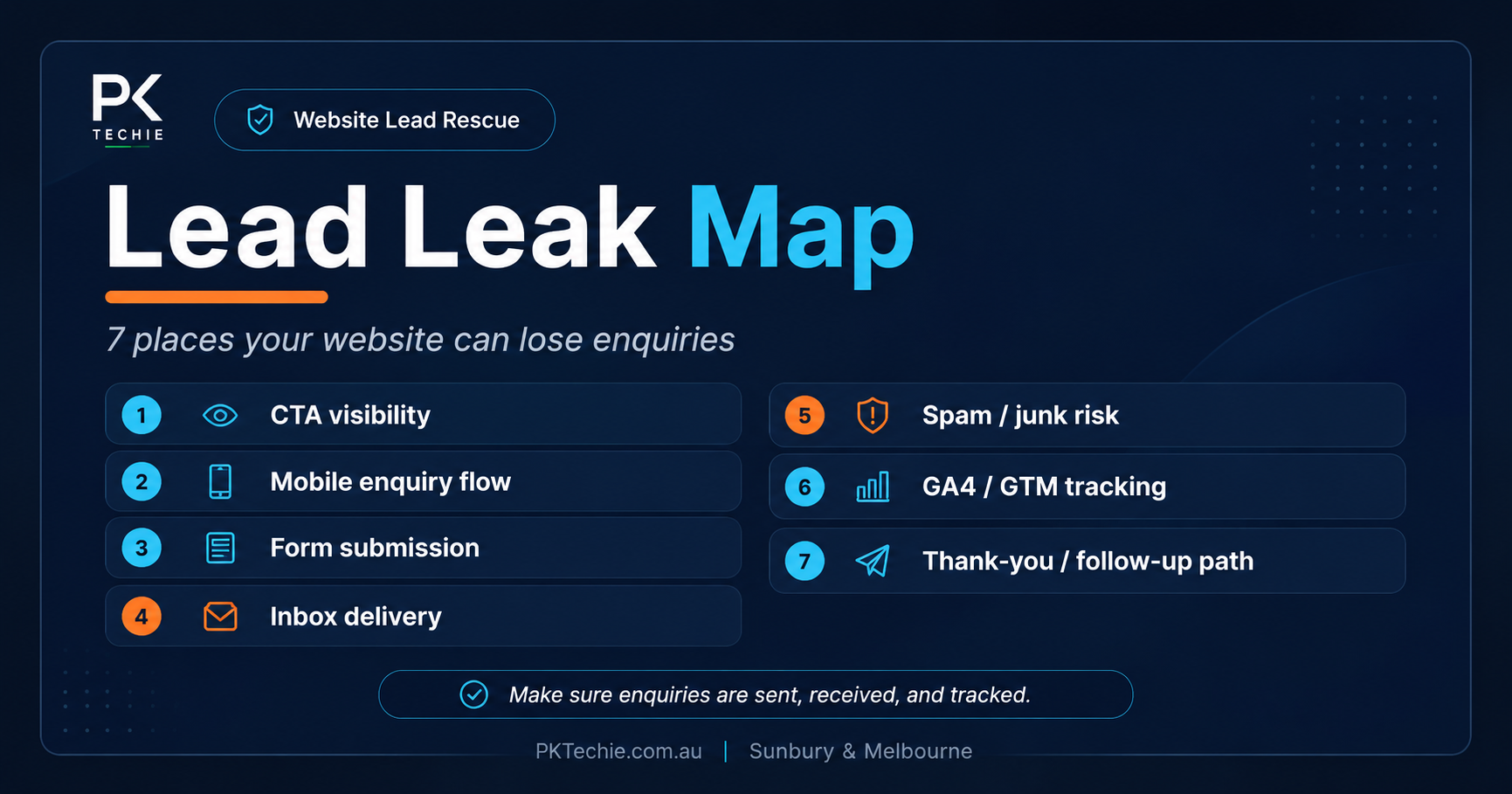
That is why PKTechie uses a simple framework called the Lead Leak Map.
Quick truth
A form submit message does not prove the enquiry was received, tracked, or followed up properly.
Why “the form submits” is not enough#
A contact form is only one part of the enquiry journey.
For a small business website, the full journey usually looks like this: a customer visits the website, understands the service, finds the call-to-action, opens the enquiry form, completes it on mobile or desktop, submits it, the enquiry reaches the right person, and the action is tracked properly.
If one part of that journey breaks, the business can lose the lead.
That does not always mean the website is badly built. Sometimes the issue is small: the call-to-action is too low on the page, the mobile button is hard to tap, the enquiry goes to an old staff inbox, or GA4 is installed but conversions are not set up.
What is the PKTechie Lead Leak Map?#
The PKTechie Lead Leak Map checks seven practical points in the website enquiry journey:
- Can customers find the call-to-action quickly?
- Does the enquiry flow work properly on mobile?
- Does the form submit without confusion?
- Does the enquiry reach the correct inbox?
- Does it avoid spam or junk issues?
- Is GA4/GTM tracking the enquiry properly?
- Is there a thank-you or follow-up path after submission?
The goal is not to guarantee more leads. The goal is to reduce the risk of missing enquiries that people are already trying to send.
1. Customers cannot find the call-to-action quickly#
A call-to-action is the button or link that tells the visitor what to do next. Examples include Book a call, Request a quote, Send an enquiry, Contact us, or Call now.
Many small business websites have a contact page, but the main service pages do not clearly guide visitors there. If someone is interested, the next step should be obvious without feeling pushy.
2. The mobile enquiry flow is too hard#
Most customers will not carefully inspect your website on a large desktop screen. They are often on a phone, quickly checking your business while doing something else.
Common mobile issues include small buttons, too many required fields, slow pages, hard-to-tap phone numbers, confusing form layouts, and submit buttons that are difficult to find after filling the form.
A website can look professional on desktop and still lose enquiries on mobile.
3. The form submits but feels confusing#
A form should give the visitor confidence. After submitting, they should know whether it worked, what happens next, when someone will reply, and whether they should call if the matter is urgent.
A weak message like “Success” is better than nothing, but a clearer confirmation builds more trust.
4. The enquiry does not reach the correct inbox#
This is one of the biggest hidden problems.
A form can show a success message on the website while the email notification goes somewhere else. It might go to an old admin email, a former staff member, a general inbox nobody checks, a developer test address, or a mailbox that no longer exists.
A real lead check should confirm where the enquiry goes and whether the right person actually receives it.
5. The enquiry lands in spam or junk#
Even when the form email reaches the right mailbox, it can still land in spam or junk.
This can happen when the website sends email from an unverified domain, the form plugin is not configured properly, SPF/DKIM/DMARC records are missing or incorrect, or the notification email sender settings look suspicious to email providers.
For business owners, this problem is frustrating because the form appears to work. But if the email lands in junk, the lead may still be missed.
6. GA4/GTM is not tracking the enquiry properly#
Many websites have Google Analytics installed, but that does not automatically mean enquiries are being tracked correctly.
There is a difference between tracking page views and tracking real actions. A business should ideally know how many people clicked the enquiry button, how many submitted the form, which pages helped lead to enquiries, and whether mobile users are dropping off.
You do not need a complicated analytics setup to start, but important enquiry actions should be visible.
7. There is no thank-you or follow-up path#
After someone submits an enquiry, the journey should not just end.
A thank-you page or clear follow-up message can confirm the enquiry was received, tell the customer when to expect a reply, show a phone number for urgent matters, link to helpful information, offer a booking step, or trigger an email confirmation.
A thank-you page can also help with conversion tracking because it gives GA4/GTM a clearer conversion point.
Why this matters for Sunbury and Melbourne small businesses#
For local small businesses, every enquiry matters. A missed enquiry could be a new client, a booking, a quote request, a repeat customer, or a referral opportunity.
This is especially important for trades, clinics, consultants, fitness businesses, education providers, local shops, maintenance services, creative businesses, and professional services.
If you are already spending time or money on SEO, Google Business Profile, social media, or ads, your website enquiry flow needs to be reliable. Otherwise, marketing can bring people to the website, but the website may still lose them before they become a real conversation.
How a Website Lead Check helps#
A Website Lead Check is a practical review of your enquiry journey.
At PKTechie, the focus is not on generic design opinions. The focus is on whether your website helps people contact you clearly and whether you can actually receive and track those enquiries.
- CTA visibility review
- Mobile enquiry flow review
- Contact form test
- Inbox delivery check
- Spam/junk risk check
- GA4/GTM tracking review
- Thank-you/follow-up path review
Need your lead path checked?
If you are not sure whether your website enquiry flow is working properly, start with the Website Lead Check or book a 10-minute call.
Need help checking your website?#
If you are not sure whether your website enquiry flow is working properly, start with a simple Website Lead Check.
Visit Website Lead Rescue or contact PKTechie through the contact form.