
Everyone is talking about AI right now. AI chatbots, AI agents, automated emails, content tools, CRMs and smart workflows.
But there is one simple problem many businesses still miss: if your website contact form does not work, AI will not save the lead.
A customer can like your service, trust your website and submit an enquiry. But if that message never reaches the right inbox, the business loses the opportunity silently.
One missed enquiry can be worth hundreds or even thousands of dollars depending on the service. The painful part is that you may never know the customer tried to reach you.
Quick truth
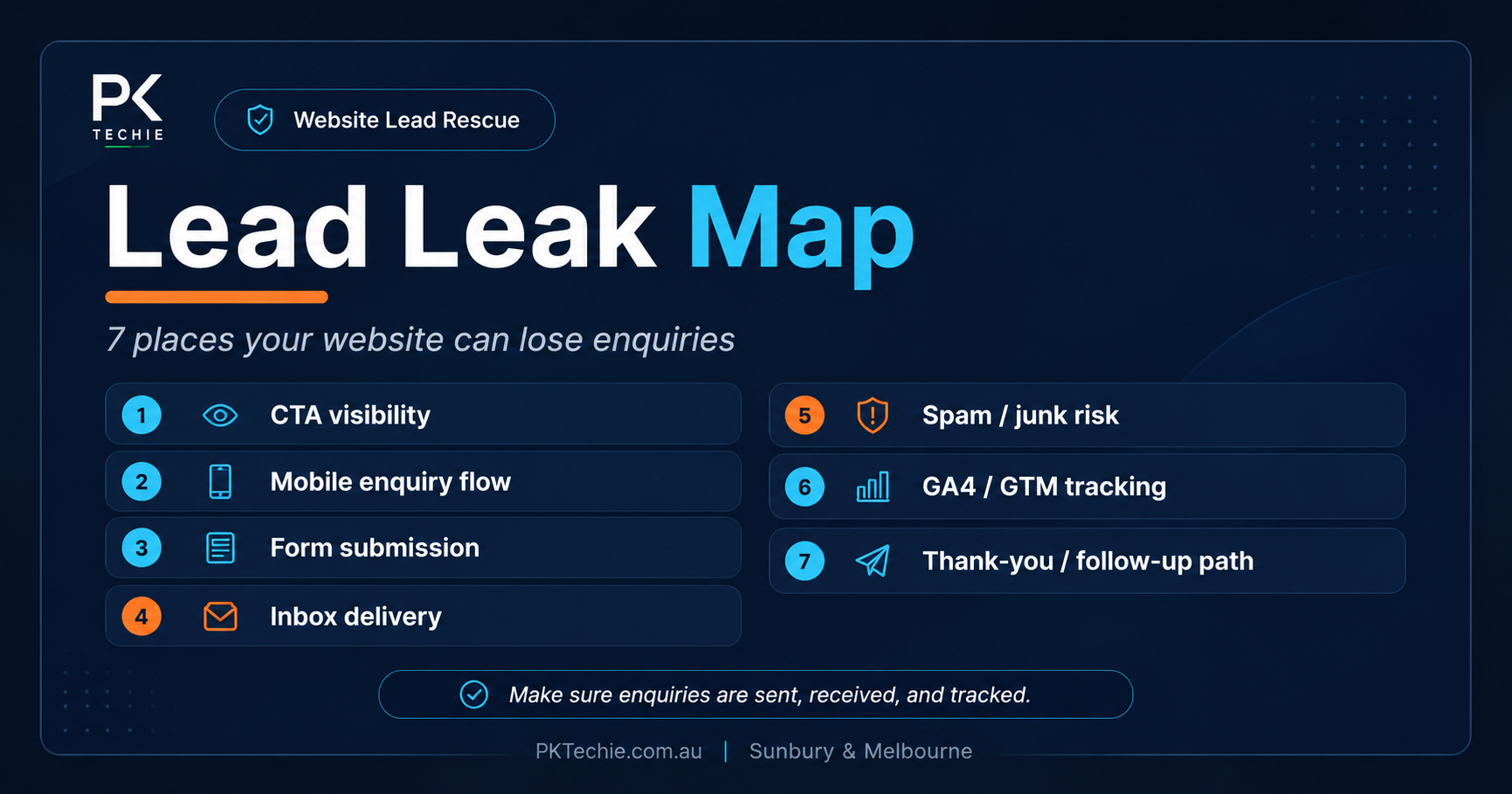
Before spending more money on AI tools, ads or automation, first prove your basic lead path works: form submit, email delivery, reply path, CRM handoff and proof.
Why this matters before AI#
AI can help with content, support, follow-up and operations. But AI cannot fix a lead that never arrives.
For small businesses, service providers and agencies, the contact form is often the first serious conversion point. If that form is broken, slow, unclear or sending emails to the wrong place, the business may think marketing is failing when the real issue is technical.
That is why the first question should not be “Which AI tool should we add?” It should be “Can a real customer submit an enquiry, and can we prove it reaches the right person?”
Warning signs your form is losing leads#
- You receive fewer enquiries than expected.
- Customers say they submitted a form but never heard back.
- The website says “success” but nothing reaches the inbox.
- Emails land in spam or junk.
- Form submissions miss phone numbers, message details or reply-to information.
- Your ads are running but enquiries are not converting.
- Your CRM or booking system does not receive the enquiry.
The 15-minute lead path test#
- Submit your form from desktop.
- Submit your form from mobile.
- Check the correct inbox receives the enquiry.
- Check spam and junk folders.
- Confirm the reply-to email is correct.
- Check the CRM, booking system or notification workflow.
- Take proof screenshots or notes with timestamps.
If any of these steps fail, your website may be leaking real opportunities.
Need this checked properly?
PKTechie’s Leads Rescue Pack checks broken forms, missed enquiries, email delivery, routing issues and proof testing.
What a proper fix should prove#
A proper form fix should not end with “it should work now.” It should include proof.
Someone should test the form, confirm the email arrives, check the reply path, review spam risk, confirm routing and document what changed.
That is why the Leads Rescue Pack is focused on proof, not a full redesign. The goal is to stop lead leakage quickly and give the business owner confidence that enquiries are reaching the right place again.
Before spending more on ads or AI#
If your form is broken, more traffic only creates more missed opportunities.
Before adding another AI tool, running another campaign or rebuilding the whole website, check the basics first.
Can a real customer submit an enquiry? Does it arrive? Can you reply? Is it stored where it needs to be stored? Can you prove it?
Next step#
If your form is not sending leads, emails are missing, or enquiries are landing in spam, start with the Leads Rescue Pack.
It is built for businesses that do not need a full redesign. They need the lead path fixed and proven.