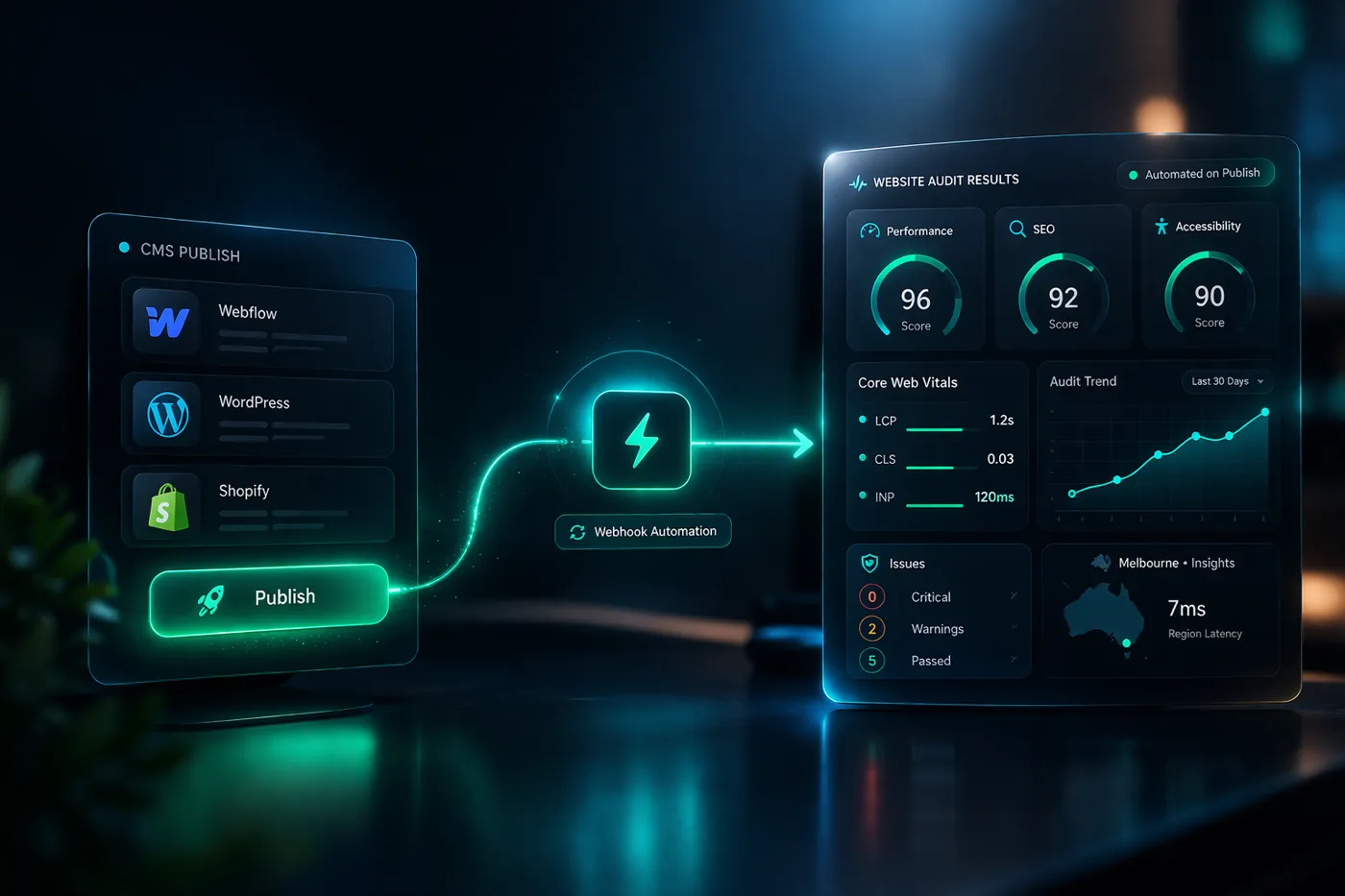
A WordPress update can finish with a green success message and still leave the business flow broken. That is the failure mode I care about.
I am not saying every plugin update needs a release committee. I am saying the risk changes when WordPress is doing real business work: WooCommerce orders, payment gateways, forms, CRM hand-offs, scheduled jobs, APIs, membership logic or custom PHP.
This matters right now because WordPress 7.1.2 was released on 22 September 2026 with a fix for a critical-severity security vulnerability, and WordPress recommends updating immediately. That is the right security message. The engineering question is how to move quickly without turning production into the test environment.
My rule
Security urgency and controlled delivery are not opposites. Patch quickly, but know what you are changing, how you will prove the important flows still work, and how you will recover if they do not.
A successful update is not the same as a successful release #
WordPress is good at telling you whether an update package installed. That is useful, but it is not the whole definition of success.
A plugin can install cleanly while a checkout callback changes behaviour. A form can still render while its submission hook stops firing. A JavaScript change can break one account screen without taking down the home page. An API integration can start sending a field in a different shape while uptime monitoring stays green.
On a brochure site, that might be annoying. On a WooCommerce or membership site, it can be revenue or customer data. That is why I treat the update as a small deployment rather than a housekeeping click.
1. Classify the change before touching production #
I first want to know what kind of update I am looking at. A critical security patch is different from a cosmetic admin improvement. A payment gateway update is different from a simple editor extension. A custom plugin I own is different from a third-party package with its own release process.
- Security urgency: Is there an active or critical vulnerability that changes the acceptable delay?
- Business surface: Does the plugin touch checkout, login, forms, orders, email, cron or an external API?
- Compatibility: Has the PHP, WordPress or WooCommerce requirement changed?
- Data risk: Does the release include a database migration or changed data model?
- Rollback difficulty: Can I safely restore files only, or does the release change stored data too?
This is also where I read the changelog instead of treating the version number as enough information. AI can help summarise a long changelog, but I still want the original release notes when the plugin is business-critical.
2. Make recovery real, not theoretical #
"We have backups" is not the same as "we know how to restore this site safely."
Before a higher-risk change, I want a current database backup, the relevant code/files recoverable, and a clear answer to who can restore them. For a live WooCommerce site I also care about timing: orders, customers and stock can change while I am testing. A staging database copied back wholesale later can overwrite legitimate production data.
Code promotion and database promotion are different problems. I can promote tested code forward. I do not treat a live ecommerce database like a file I can casually replace from staging.
3. Test on a production-like staging environment #
Staging only helps if it is close enough to production to expose the same class of problem. I want the relevant theme, plugins, PHP version, configuration and integrations represented. Secrets and live payment actions should be isolated, but the architecture should be familiar.
For a third-party plugin update, WP-CLI gives a useful first pass. The official command supports
--dry-run, so I can preview what would be updated before changing anything:
wp plugin update --all --dry-run
wp plugin update woocommerce --dry-run
I can also verify WordPress.org-hosted plugin files against the official checksums:
wp plugin verify-checksums --all
wp core verify-checksums
Checksums do not prove business behaviour, but they are useful for answering a different question: do the installed files match the official package I think I am running?
4. Custom plugins should go through CI, not wp-admin editing #
If I own the plugin code, I want it in Git. A change starts in a branch, goes through review, runs automated checks, is built once, then that tested artifact is promoted through staging and production.
feature branch
  ↓
pull request
  ↓
PHPCS + PHPStan + PHPUnit + build
  ↓
review
  ↓
staging deploy
  ↓
business-flow smoke tests
  ↓
approval
  ↓
production deploy
  ↓
post-deploy checks + monitoring
The exact pipeline depends on the plugin. A PHP-only plugin may not need Node at all. A block or React-powered plugin probably does. I would rather have a small pipeline that tests the real code than copy a fashionable CI file with twelve jobs nobody understands.
composer install --no-interaction --prefer-dist
vendor/bin/phpcs
vendor/bin/phpstan analyse
vendor/bin/phpunit

# Only where the plugin has frontend assets
npm ci
npm run build
For client work, I would also package the deployable plugin from the same commit that passed CI. That avoids a quiet difference between "what we tested" and "what someone zipped on their laptop five minutes later."
5. Test business flows, not only the home page #
This is the part generic update checklists often miss. A home page returning HTTP 200 does not prove the site works. The test list should follow what the site is actually for.
For a WooCommerce site, I would check
- product and variation selection
- add to cart and cart totals
- checkout validation
- the configured payment path in the correct test mode
- order creation and status changes
- transactional email
- webhooks or fulfilment/CRM hand-offs
- customer account and login where relevant
For a lead-generation site, I care more about forms, email delivery, spam protection, CRM creation, analytics events and thank-you states. The release checklist follows the money or the enquiry path, not a generic template.
This is the same principle behind PKTechie's eCommerce Integration Health Check: the integration is only healthy if the end-to-end business flow is healthy.
6. Database migrations need their own plan #
File rollback is relatively straightforward. Data rollback is where release plans get more serious.
If a custom plugin changes tables or stored options, I prefer versioned, repeatable migrations that can safely detect whether they have already run. I do not want a deployment that depends on someone remembering a manual SQL command.
<?php

const PK_PLUGIN_SCHEMA_VERSION = '1.3.0';

if (get_option('pk_plugin_schema_version') !== PK_PLUGIN_SCHEMA_VERSION) {
    // Run a versioned, idempotent migration here.
    // Create or alter only what this release owns.

    update_option('pk_plugin_schema_version', PK_PLUGIN_SCHEMA_VERSION);
}
The exact migration mechanism can differ, but the principle stays the same: know what changed, make the operation repeatable where possible, and understand whether rolling code back would leave the database on a newer schema.
7. WordPress rollback protection helps, but it does not replace validation #
Modern WordPress has better update safety than it used to. WordPress 6.3 introduced rollback protection for failed manual plugin and theme updates, and WordPress 6.6 added rollback behaviour for plugin auto-updates when a PHP fatal error is detected.
That is valuable protection. It also explains why I do not treat rollback as a complete QA strategy. The automatic protection is aimed at installation failures and fatal errors. A non-fatal regression in checkout logic, JavaScript, an API contract or a webhook can still leave the site technically online.
In other words, WordPress can protect availability while my release process still needs to protect business behaviour.
8. Deploy, smoke-test, then watch the site #
Once staging is clean, I deploy in a controlled window appropriate to the site. I then run the small set of production smoke tests that matter most and watch the signals that would expose a problem quickly.
- PHP/application logs
- browser console errors on critical pages
- checkout or form success
- scheduled jobs where the release touches cron
- webhook/API failures
- payment or order anomalies
If the release is wrong, I want the rollback decision to be boring: restore the known-good code or package, deal with any data migration deliberately, re-run the smoke tests, and then investigate away from production pressure.
Where AI actually helps in this workflow #
AI is useful here, just not as the person holding the production keys.
I use AI tools as accelerators for work like summarising release notes, comparing a diff, spotting deprecated API use, drafting regression cases, explaining an unfamiliar stack trace or suggesting where a compatibility change could have side effects. That can save real time.
What I would not do is ask a model "is this safe to deploy?" and treat the answer as approval. The model does not know which customer flow pays the bills, whether staging matches production, or what happened in the last five minutes of a live WooCommerce database unless I build that context and control around it.
AI can reduce the cost of investigation and test preparation. Production approval still belongs to a release process with evidence.
Third-party update and custom plugin deployment are related, but not identical #
With a third-party plugin, I am evaluating someone else's release: changelog, compatibility, staging behaviour and the paths it touches. With a custom plugin, I also own code quality, source control, CI, packaging and deployment.
That distinction matters because "I test it on staging" is only the start. A dependable release process also explains what happens before staging, what is automated, which user journeys are tested, how database changes are handled, and where the rollback boundary sits.
The release process in one paragraph #
I treat WordPress changes as releases. For a third-party update I check urgency, changelog and compatibility, take a restorable backup, reproduce the change in staging, and test the business-critical flows. For custom plugins, changes go through Git and pull requests, CI runs coding standards, static analysis, tests and any frontend build, then I deploy the same tested artifact to staging and production. Database migrations are versioned separately. After release I smoke-test the key paths and monitor logs, with a rollback plan I know I can execute.
That is the process I trust because it describes how the release is actually operated, not just a list of tools.
Official references I used for this guide #
- WordPress 7.1.2 security release
- WP-CLI: wp plugin update
- WP-CLI: wp plugin verify-checksums
- WordPress 6.3 Field Guide: failed manual update rollback
- WordPress 6.6: plugin auto-update rollbacks
Final take #
The update button is not the risky part. The risky part is assuming a green success message means the business still works.
If WordPress is business-critical, I want updates to be fast when security demands it, but still observable, testable and recoverable. That is the balance I aim for in WordPress and WooCommerce development.
If you are dealing with an inherited site, a fragile plugin stack or a WooCommerce release you do not want to test in front of customers, send me the URL and the change you need to make.